When blocking stops working
Almost always this is the Screen Time permission. Unglue blocks apps through Apple's Screen Time, and that permission can quietly stop working after you reinstall Unglue, update iOS, restore from a backup, or change a Screen Time setting. iPhone keeps reporting it as granted, so Unglue cannot see the problem on its own.
Re-authorize Screen Time
Start with the repair built into the app. Open Unglue, go to Settings, scroll to the Support section and tap Help Center.
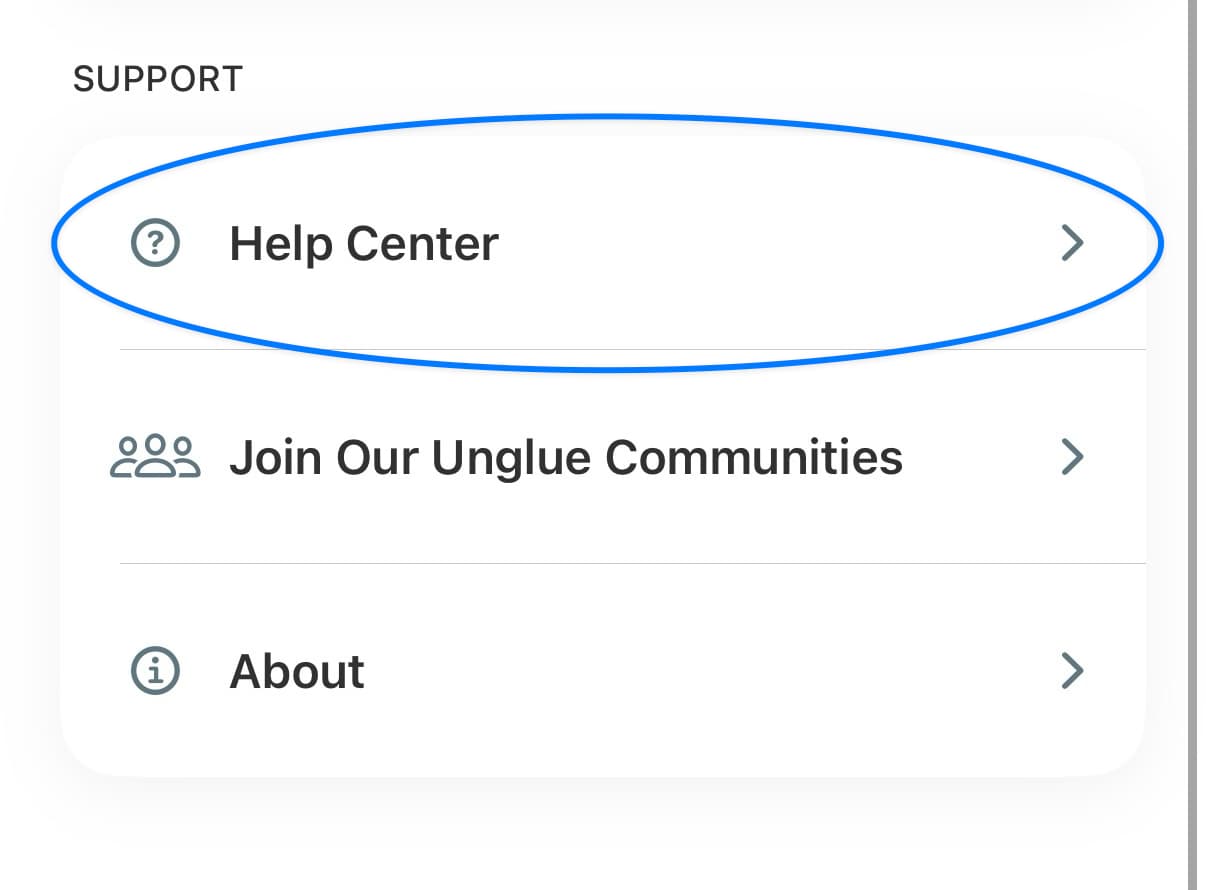
Inside the Help Center, tap Re-authorize Screen Time and approve the prompt.
Work through the checklist
- In the iPhone Settings app, open Screen Time > Always Allowed and remove any app you want blocked. Apps on that list are never shielded.
- Still under Screen Time, turn off Share Across Devices if you use Unglue on more than one device, such as an iPhone and an iPad.
- Back in Unglue, go to Settings > Blocking > Restricted Apps, untick the app, save, then tick it again. That gives iOS a fresh handle on the app.
- Check that your Restricted list is not empty. Nothing is blocked when nothing is selected.
Now open the app you blocked. It should show the Unglue screen.
A whole category blocks, but a single app does not
This is the same Screen Time problem wearing a different hat. Categories and single apps are enforced two different ways by iOS, and the single-app path is the one that breaks when the permission goes stale or when Apple loses track of an app you picked earlier.
Follow the steps above, starting with Re-authorize Screen Time, and finish by unticking and re-ticking the app in Settings > Blocking > Restricted Apps.
While you sort it out, blocking the category the app belongs to is the dependable option. Apple is aware of the single-app issue, and we report every case we hear about.
Still open freely?
Send us your Account ID and your iOS version through the support form.