Support
Below are answers to common questions. If yours isn't answered, you can submit an issue and we'll get back to you in 1-3 business days.
General
While Unglue is free to download, the app requires a Plus subscription to access all features.
We're not a big company, Unglue is built independently by a solo developer, and Plus is what keeps the app running and improving. If you find it helpful, your support means a lot.
To block an app with Unglue, first make sure it's selected as one of Unglue's restricted apps.
In Unglue, head to Settings > Restricted Apps > Edit Selection.
Then select the specific app or whole category you want to block. In the image below, YouTube is selected as an example.
Unglue will also select the equivalent Safari website by default, such as m.youtube.com for YouTube.
Tap the checkmark in the top-right corner. Your app will now be blocked by default unless you unlock apps with your earned Unglue tokens, or choose to unselect the apps in Settings later.
Yes. An Unglue Plus subscription is shareable through Apple Family Sharing, so a family member can use Unglue on their own iPhone without buying a separate subscription.
To set it up for a family member:
- Install Unglue on their iPhone.
- Go through the setup on their phone.
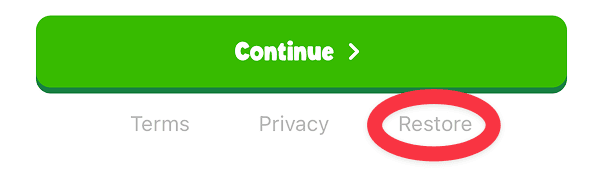
- When they reach the paywall, have them tap Restore.
- Make sure they're in your Apple Family Sharing group and that purchase sharing is turned on.
That should unlock Unglue Plus on their device using your subscription.

If the app keeps showing the paywall after you've already subscribed, your purchase usually just needs to be re-attached to your device. On the paywall screen, tap Restore at the bottom.

Your subscription should activate within a few seconds and the app will move past the plan picker.
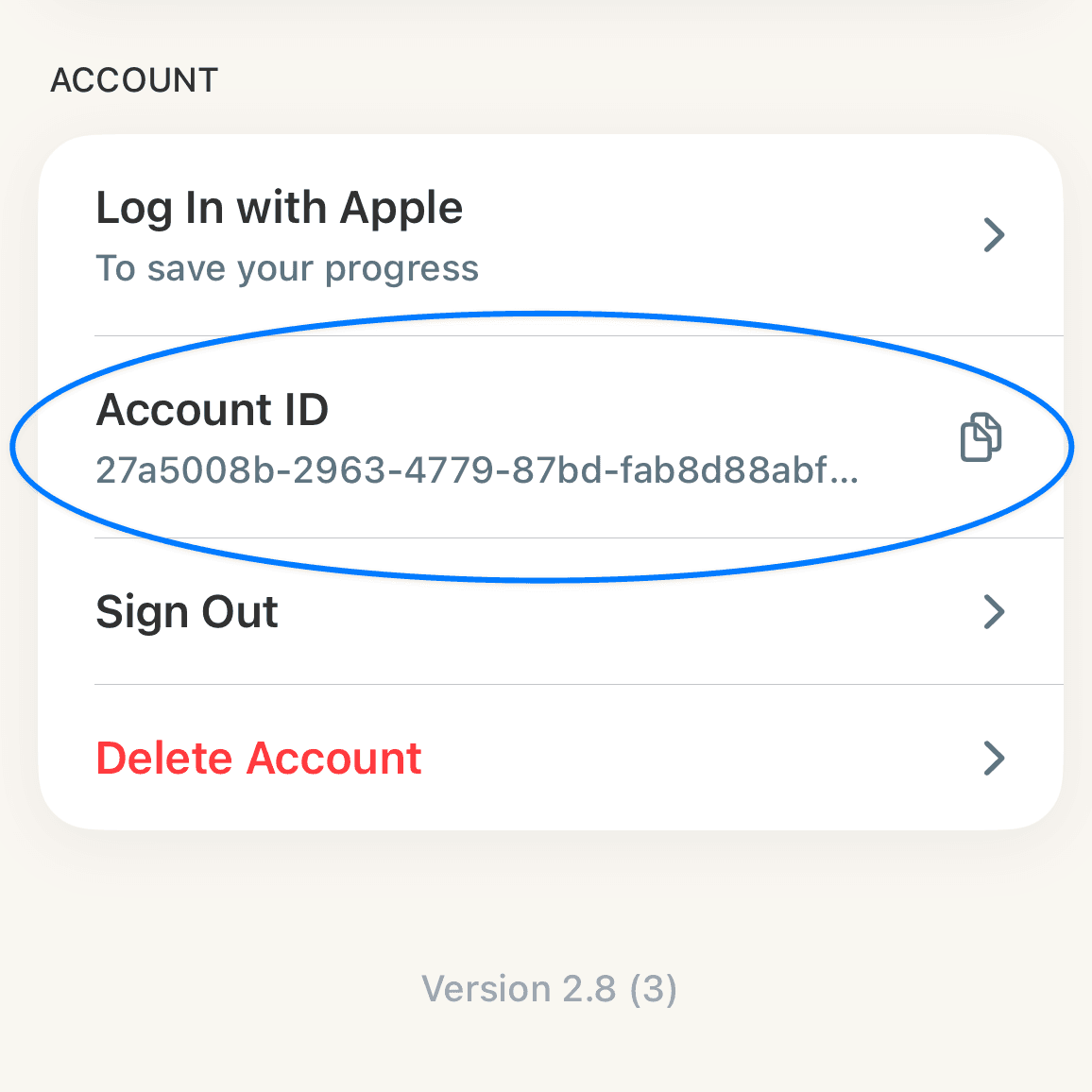
Inside the Unglue app, go to Settings> scroll down to your account section and click the copy icon next to the Account ID row.

Contact
If you still have an issue, please contact us through our support form and we'll get back to you as soon as we can.